This article shows you how to set the active nameservers for your domain name. Your domain name must be registered with Krystal, otherwise the changes made on our systems will not have any effect.
Log into your Krystal Client Area using your registered email address and password.
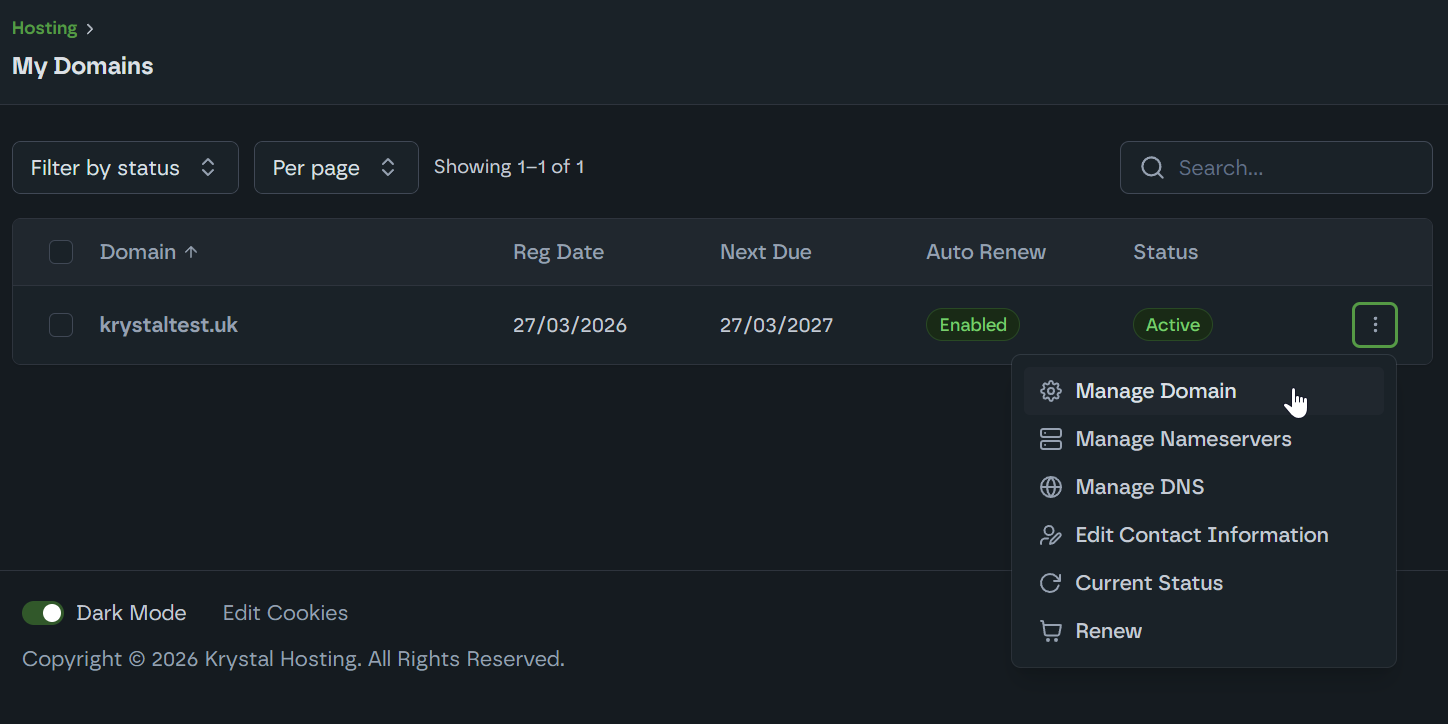
Click on My Domains
Click the domain name, or open its More Actions (⋮) menu and choose Manage Domain.
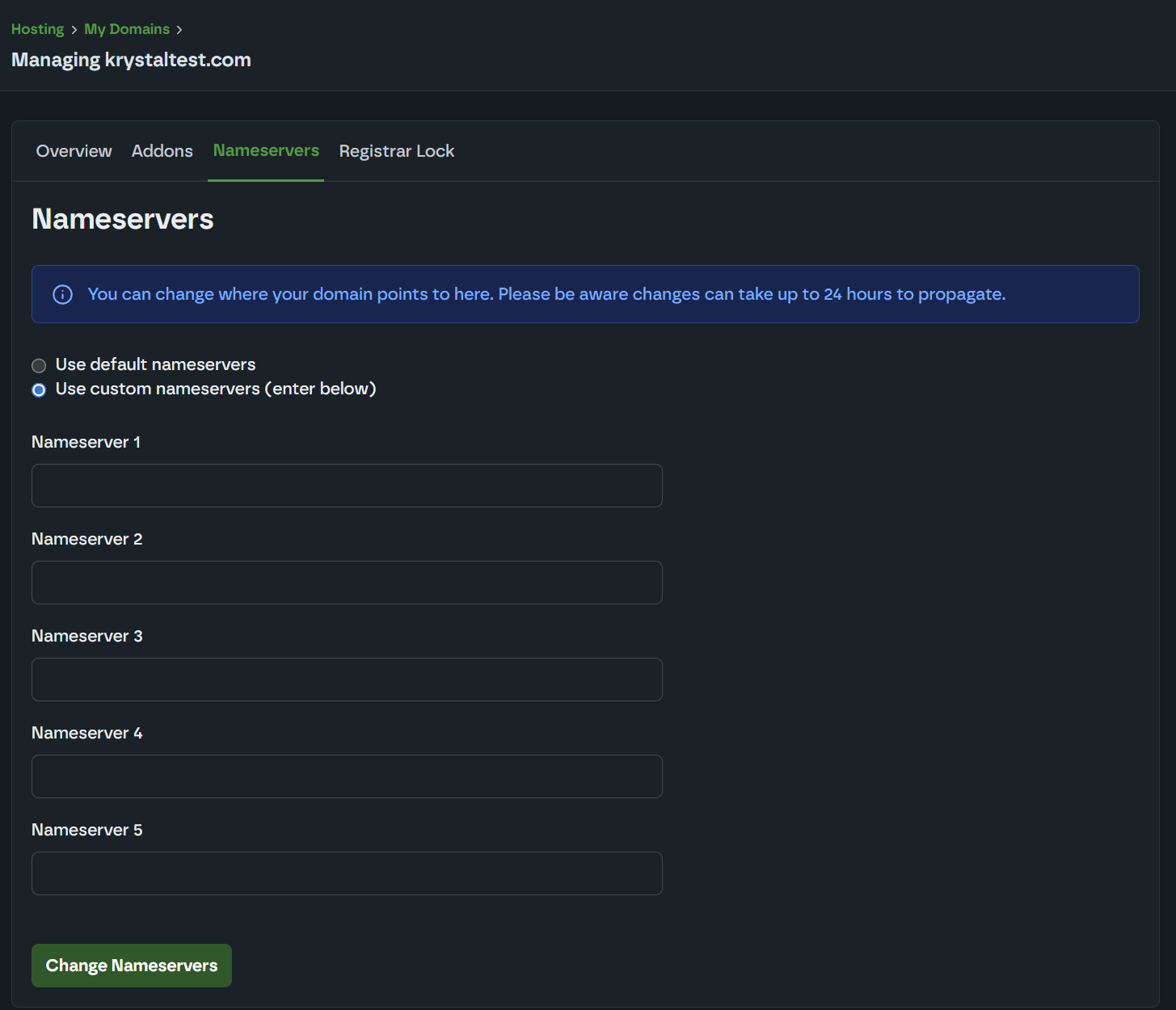
Click on the Nameservers tab.We have a separate guide that details the correct nameservers to use. Remember to click Change Nameservers when finished. Updates can take up to 24 hours to fully propagate globally.