Intelligent Protection by Patchstack - Installation guide

How do I install Intelligent protection?
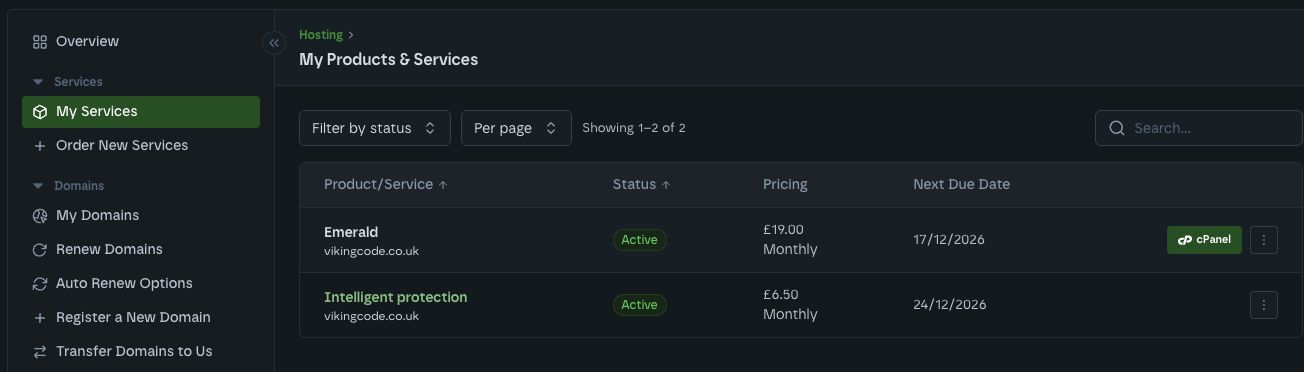
- Head to My Services and click Intelligent Protection
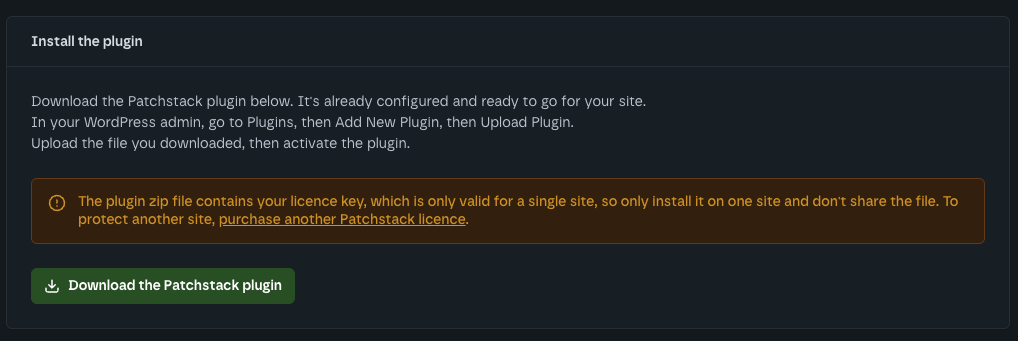
- Download your licenced Patchstack plugin and then head over to your WordPress admin area.
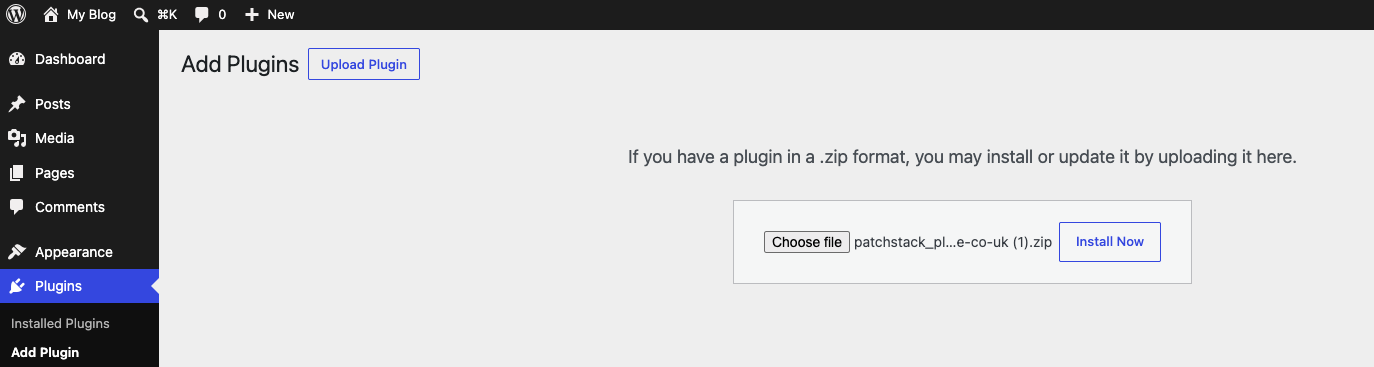
- Click Plugins, then Add Plugin, and choose Upload Plugin. Select the plugin file you previously downloaded and choose Install Now, then Activate Plugin
- Your installation has now been completed successfully.
You can head back to the client area, select My Services and click Intelligent Protection
The website will now display connected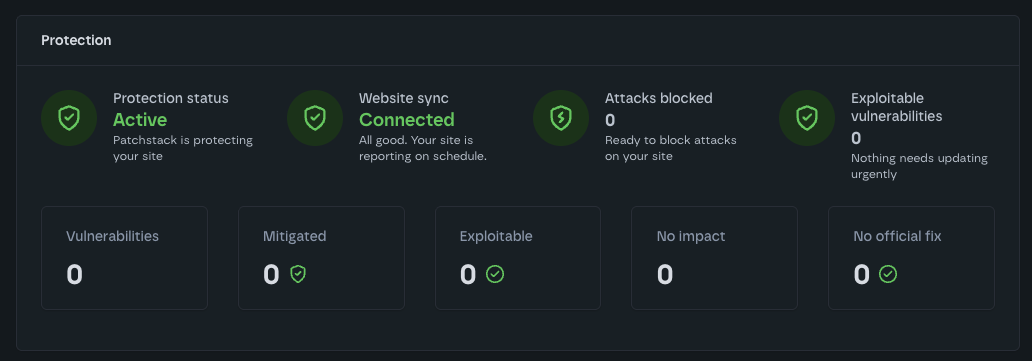
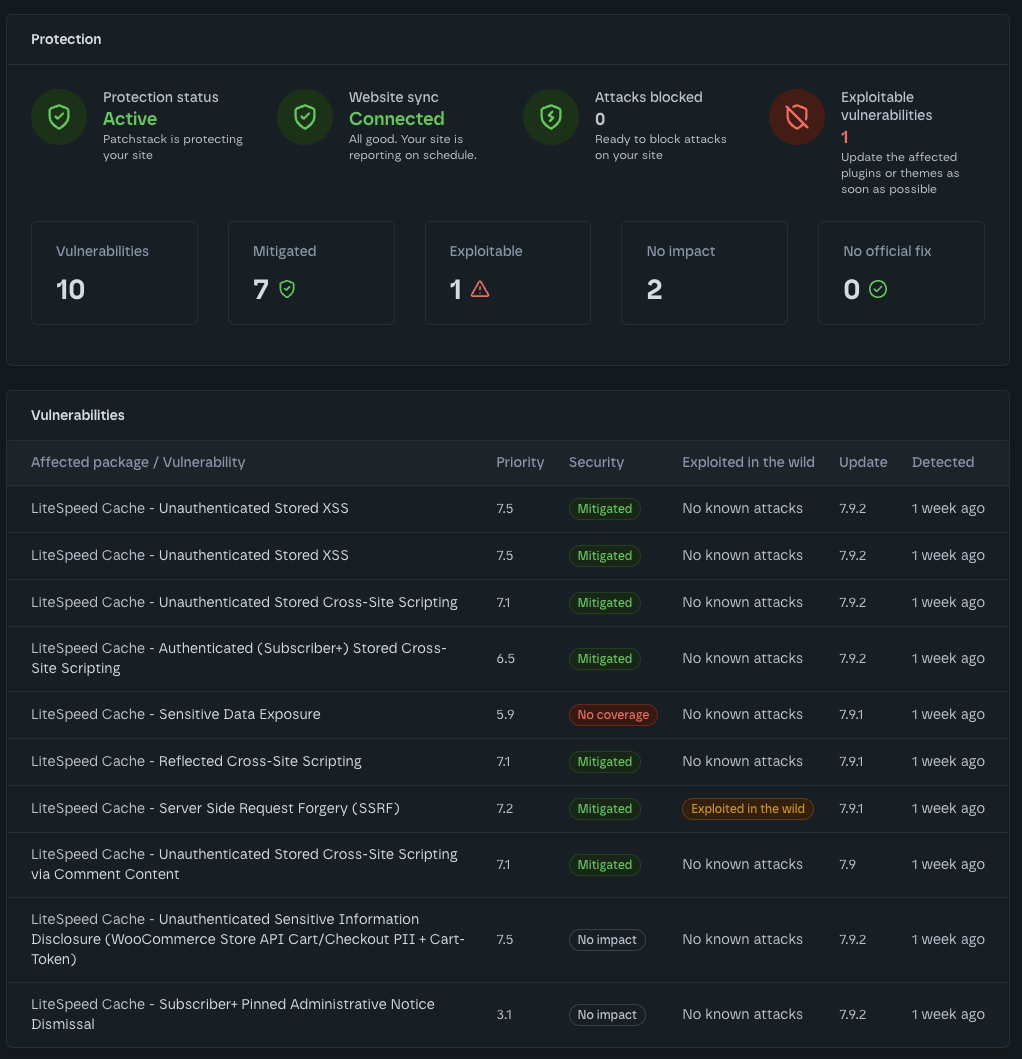
Any detected and mitigated vulnerabilities will be shown as below – make sure to regularly check to see if any plugins or themes require updates.