How to remove an email address from Krystal Identity

If you no longer need an email address linked to your Krystal Identity account, you can remove it in just a few steps. This guide walks you through the process.
You cannot remove your primary email address. To change it, you will first need to add a new primary email address.
- Log in to Krystal Identity.
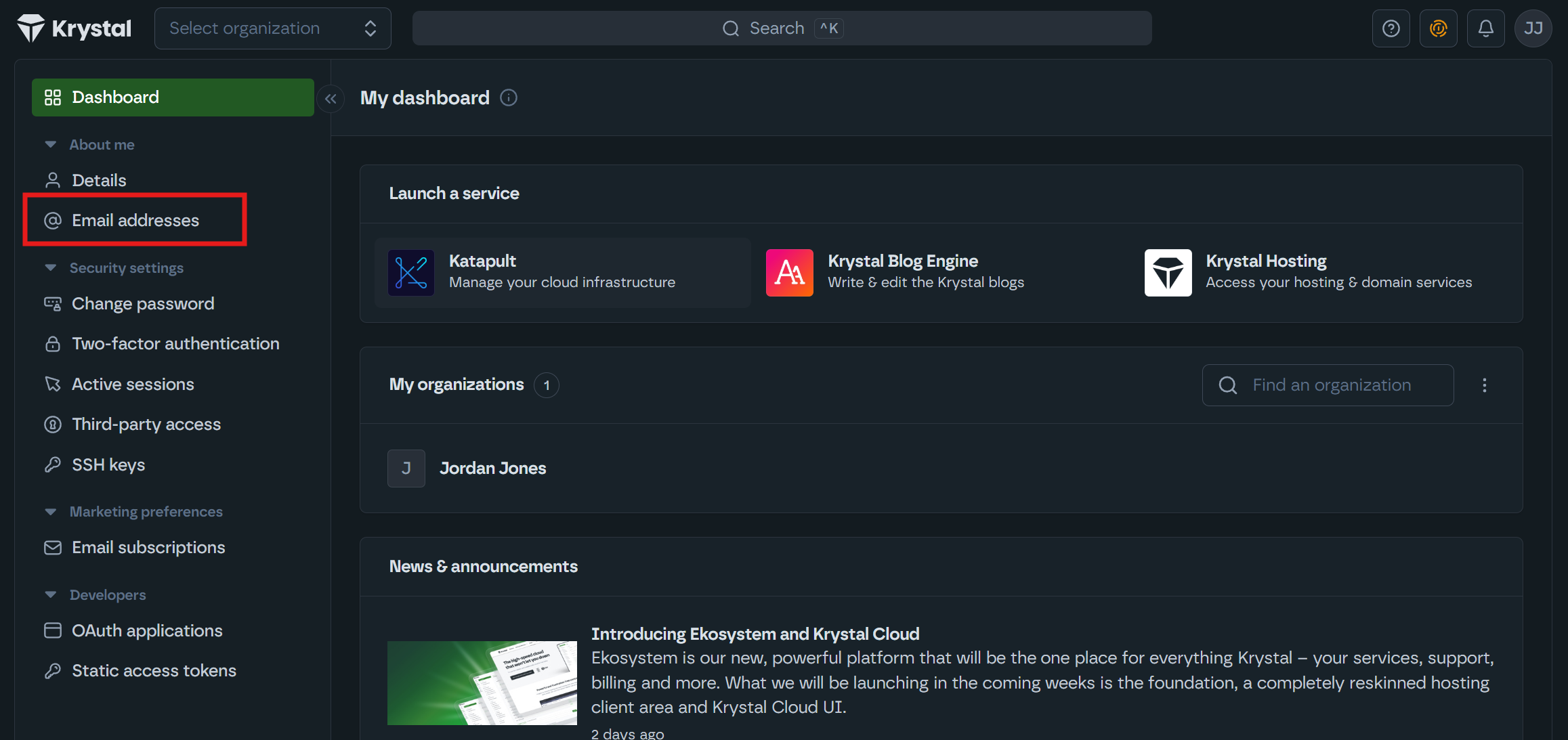
- In the left-hand sidebar, under About me, click Email addresses.
- Click the three dots beside the email address you would like to remove.
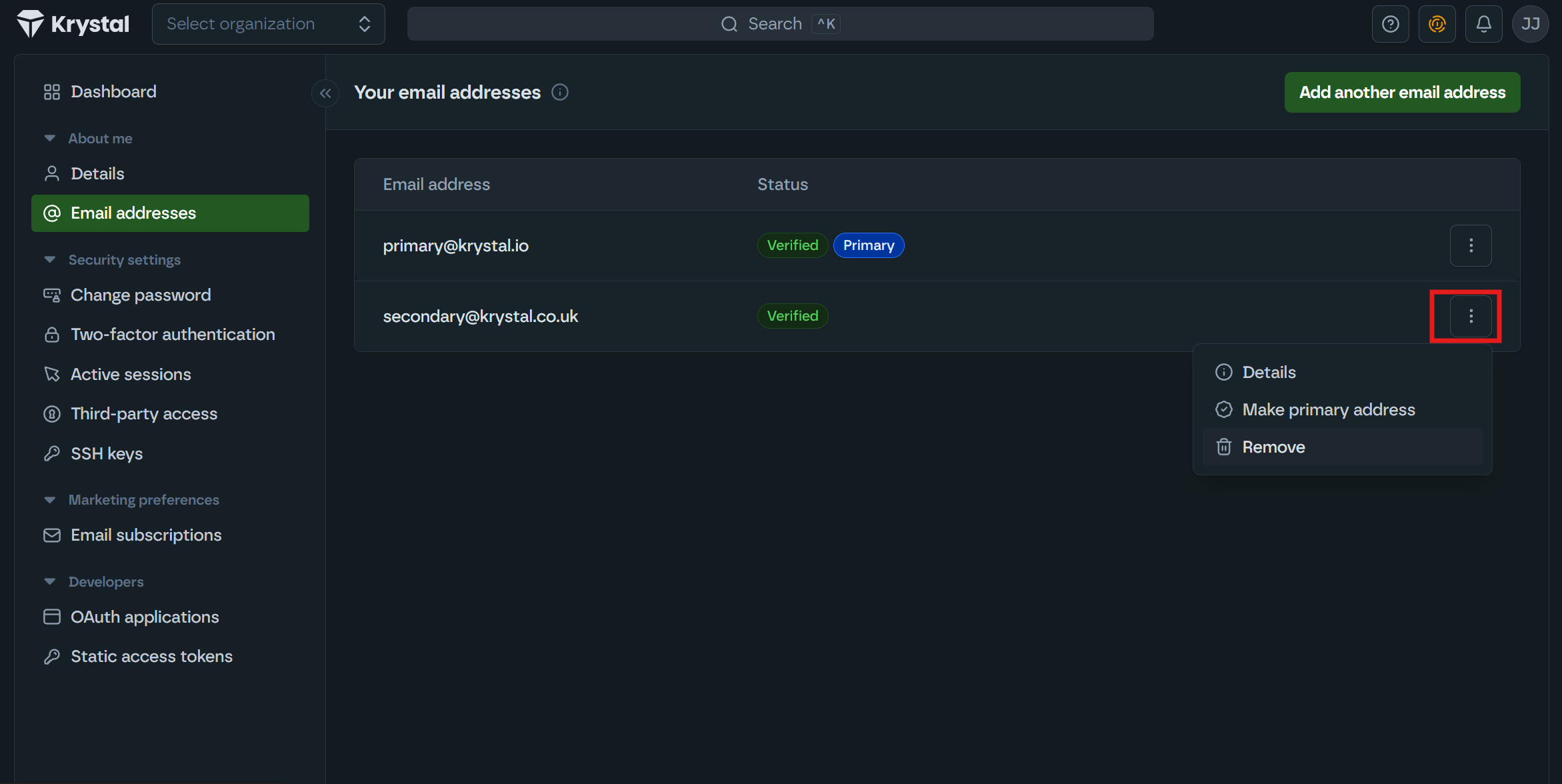
- Select Remove.
- A confirmation message will appear at the bottom of the page. Done!
Things to note
- You cannot remove your primary email address. If you need to remove it, first add a new email address and set it as primary. See How to update your email address in Krystal Identity.
