How to Update Your Email Address in Krystal Identity

Your Krystal Identity email address is used for logging in and receiving important account notifications such as invoices and renewals. You can update it at any time from your account settings. If you no longer have access to the email address on file, our support team can help.
How to update your email address
- Log in to Krystal Identity at identity.krystal.io.
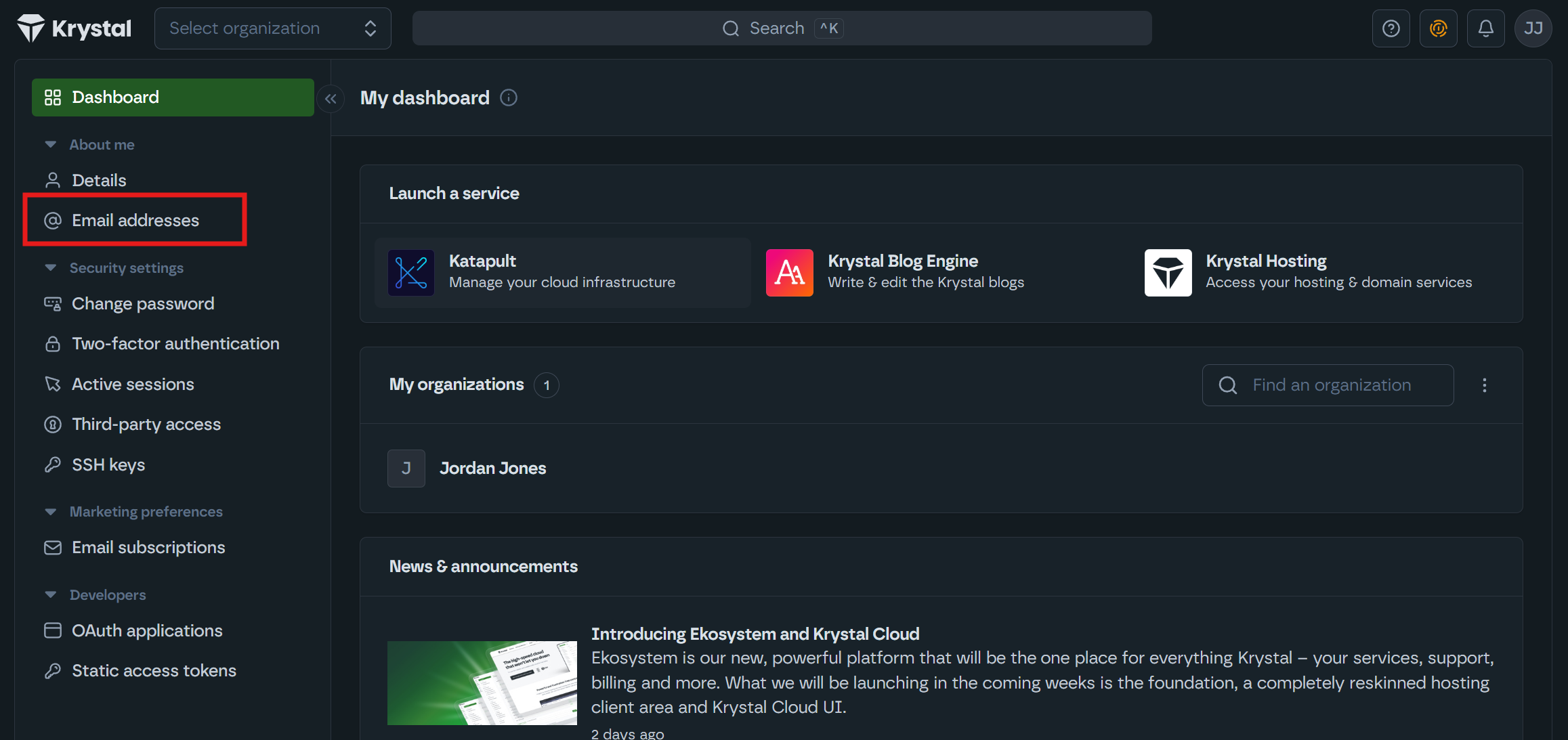
- In the left-hand sidebar, under About me, click on Email addresses - or go straight to identity.krystal.io/email_addresses.
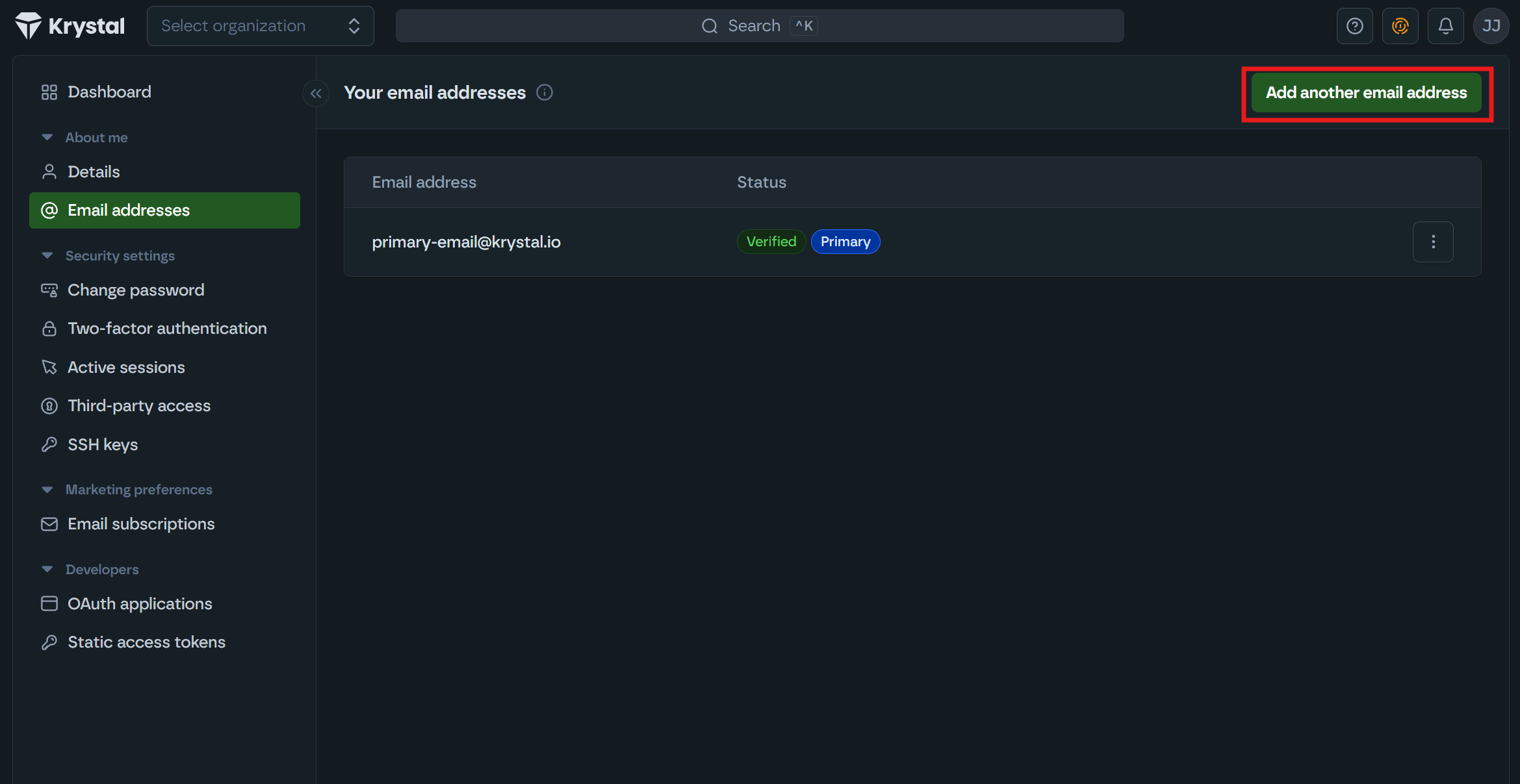
- In the top right, click Add another email address.
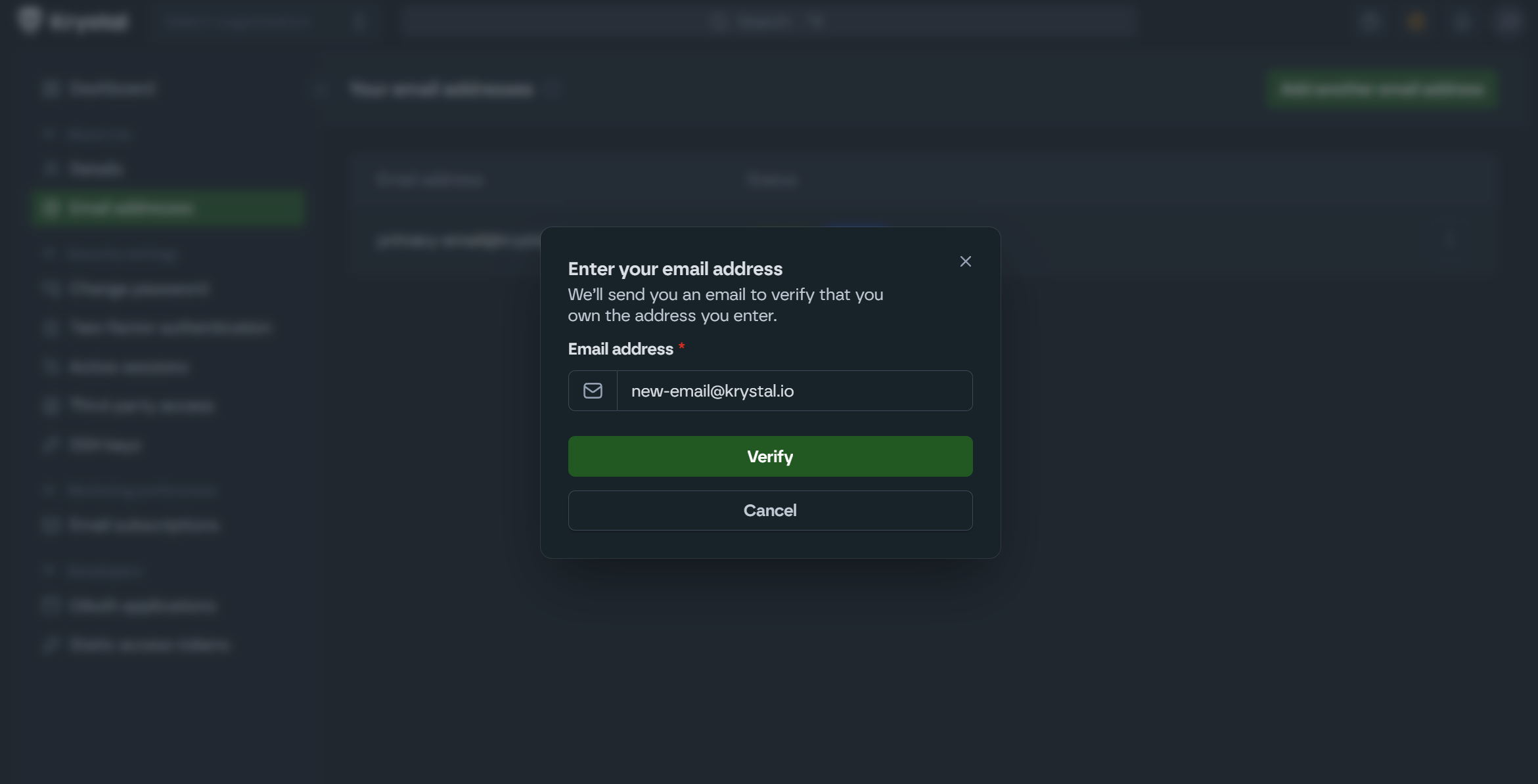
- Enter your new email address and click the "Verify" button.
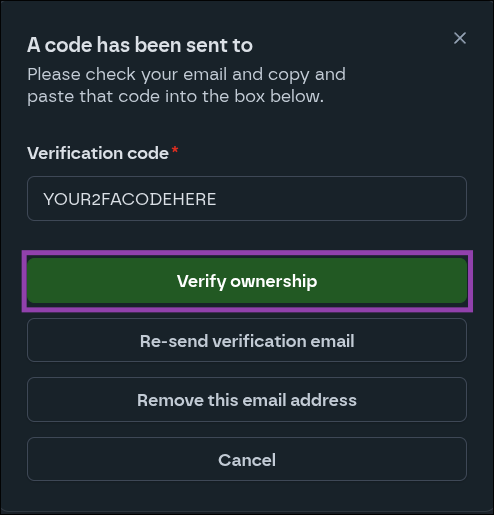
- You will be issued a one time verification code to your new email address.
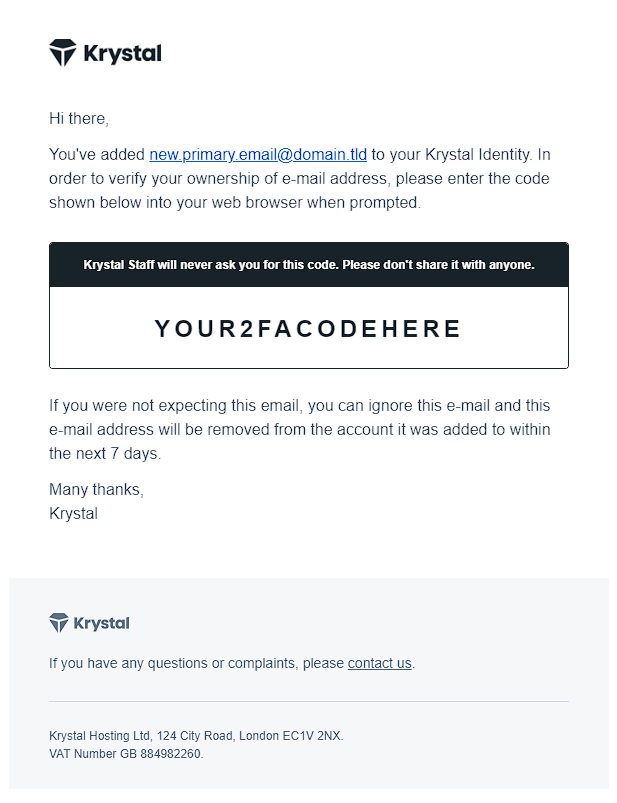
- Paste the verification code into the form and click the "Verify ownership" button.
- Once added, click the three dots next to the new email address and select Make primary address.
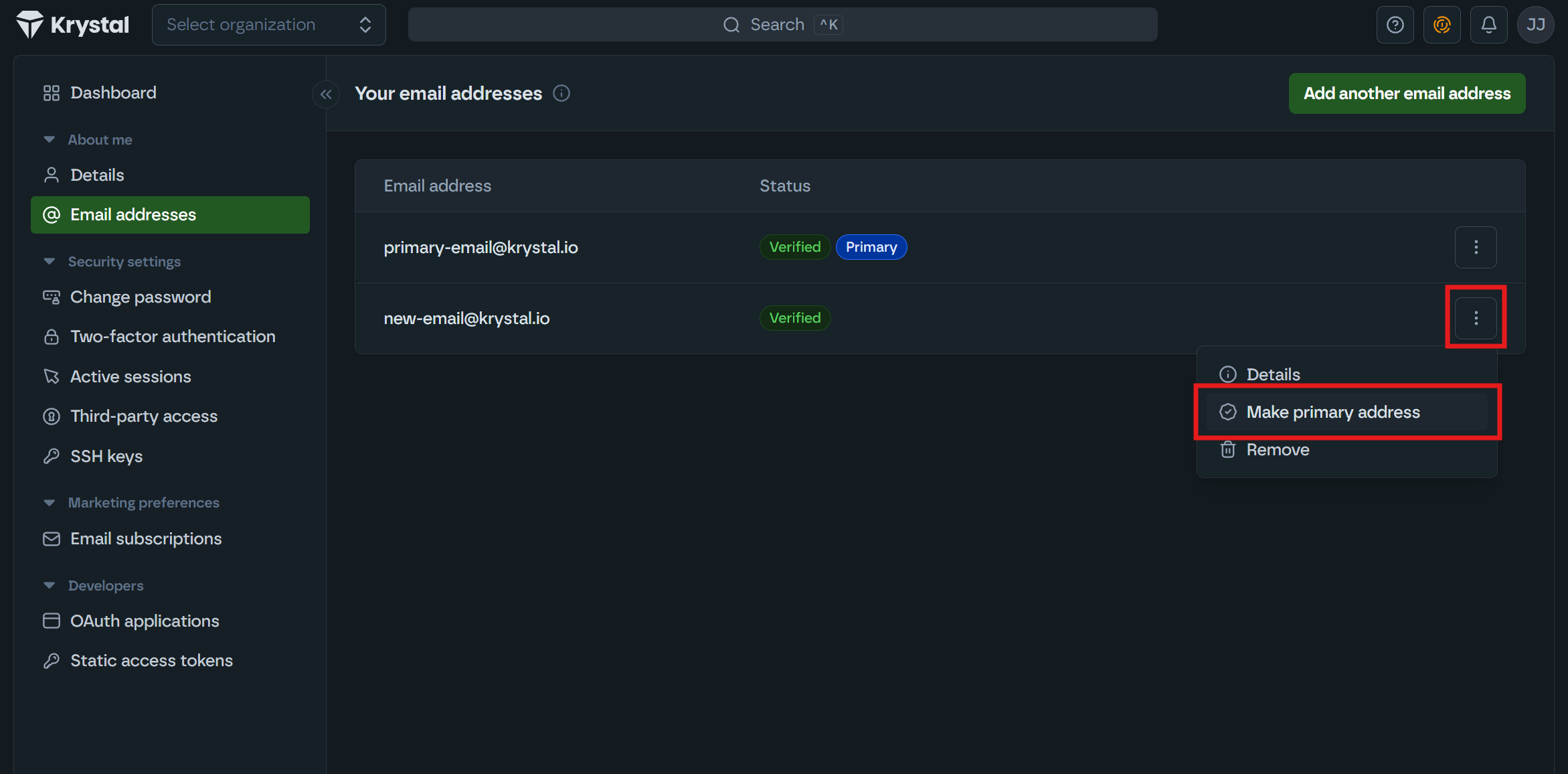
- If you no longer want the old email on file, click the three dots next to it and select Remove.
If you can't log in
If you no longer have access to the email address on file and can't log in, you'll need to get in touch with us by either:
- Emailing support@krystal.io
- Calling us on 020 8050 1337 (Monday to Friday, 9am-5pm, excluding bank holidays)
If emailing, please include the following:
- The email address associated with your Krystal Identity account.
- The new email address you'd like set on the account.
- A recent invoice number (if you have one to hand).
- A copy of photographic ID - either a driving licence or passport.
- A copy of a recent bill or letter showing the address we hold on file for your account.
We use this information to verify your identity and protect your account from unauthorised access.
Things to note
- Email address changes that require manual verification can only be handled by email or by phone, as above. They cannot be done over live chat - and if you are locked out you will not be able to raise a support ticket either, since that needs you to be logged in.
- Once we've verified your identity, we'll update the email address on your account and let you know so you can log back in.
