How do I login to my webmail?

It is possible to access your email accounts without having to configure an email program on your PC/Tablet/Phone. Webmail provides a quick and secure way to check your email using a web browser.
If you've purchased both your domain and hosting from Krystal then your webmail can usually be accessed at https://yourdomain/webmail - for example, if your domain is example.co.uk you would use https://example.co.uk/webmail.
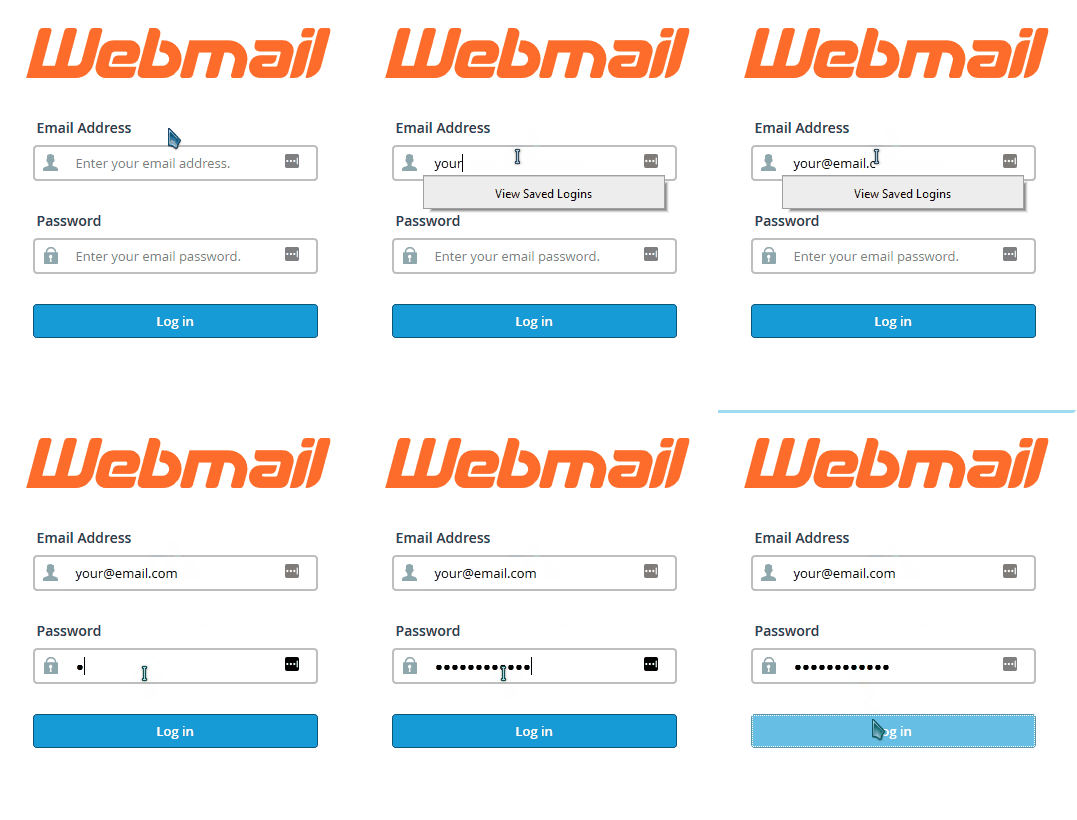
https://yourservername/webmail, which will take you to port 2096 on that server.You will find your server name in your Krystal Client Area - open My Services, view the details of your hosting package, and look for Server Name under Hosting Information. That same page also has a Log in to Webmail button, which signs you in without needing any of these addresses.
Setting up an email client
If you are looking to set up an email client program, on your phone, tablet, PC or Mac we have a separate article on configuring your email client as well as specific guides for different PC, Apple and Android email clients.
