Managed WordPress - Single Sign On (SSO)
 Updated 2 months ago
by
Tristan Payne
Updated 2 months ago
by
Tristan Payne
The Managed WordPress Login script gives us a secure way to log into a client's WordPress site without going through the standard login page.
This is useful because some security plugins hide, rename, or restrict the WordPress login page, which can cause issues with normal login methods and support tools. SSO works around this by authenticating the user directly, rather than submitting a username and password through the login form.
How to use single sign on
- Login to your Managed WordPress Dashboard
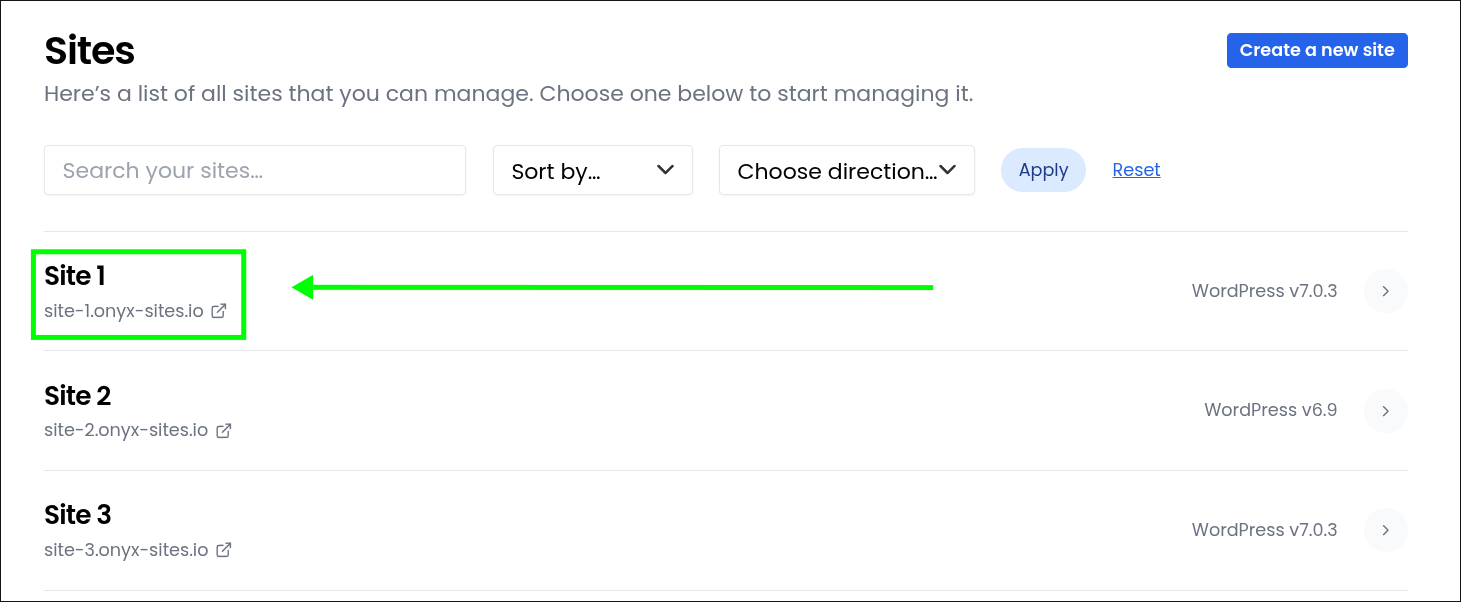
- Select the site you'd like to log in to
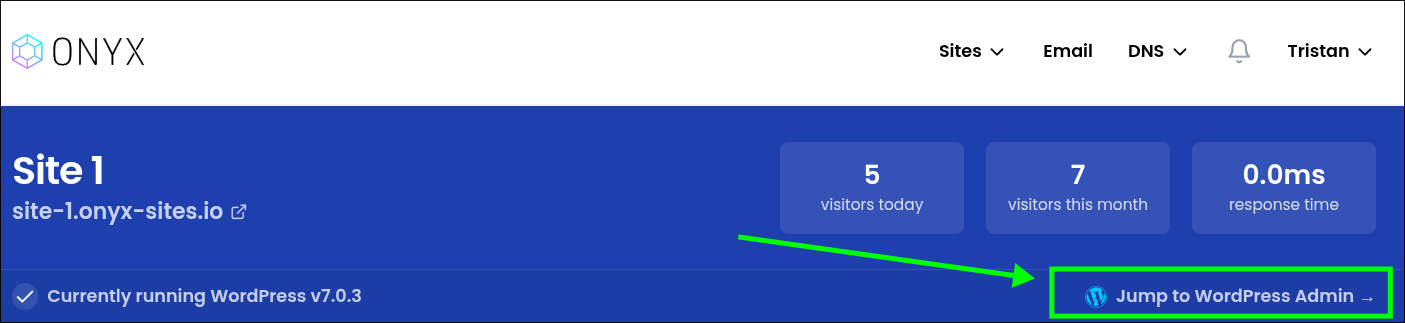
- Click the "Jump to WordPress Admin" button
How do I change which admin user I sign in with?
- Login to your Managed WordPress Dashboard
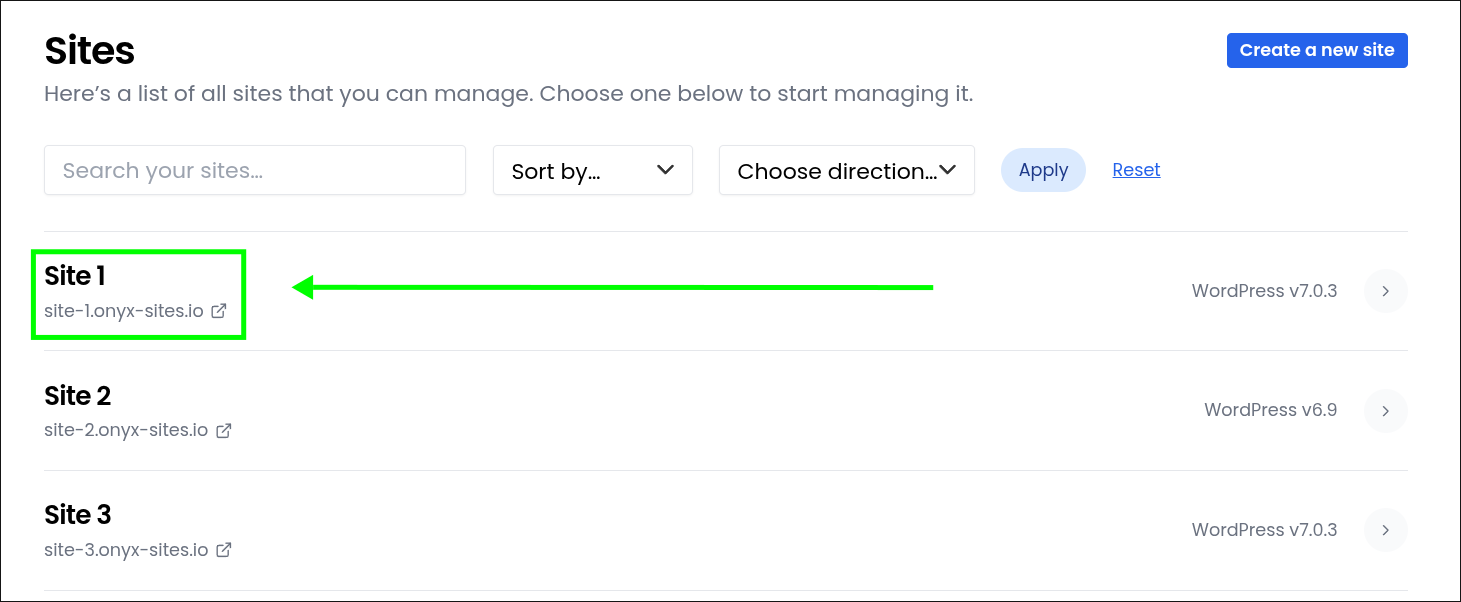
- Select the site you'd like to manage
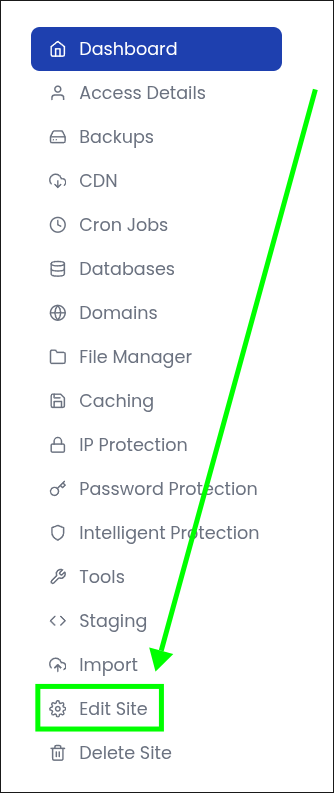
- Click the "Edit Site" tab
- Click the "Which WordPress user would you like to log in with?" drop-down
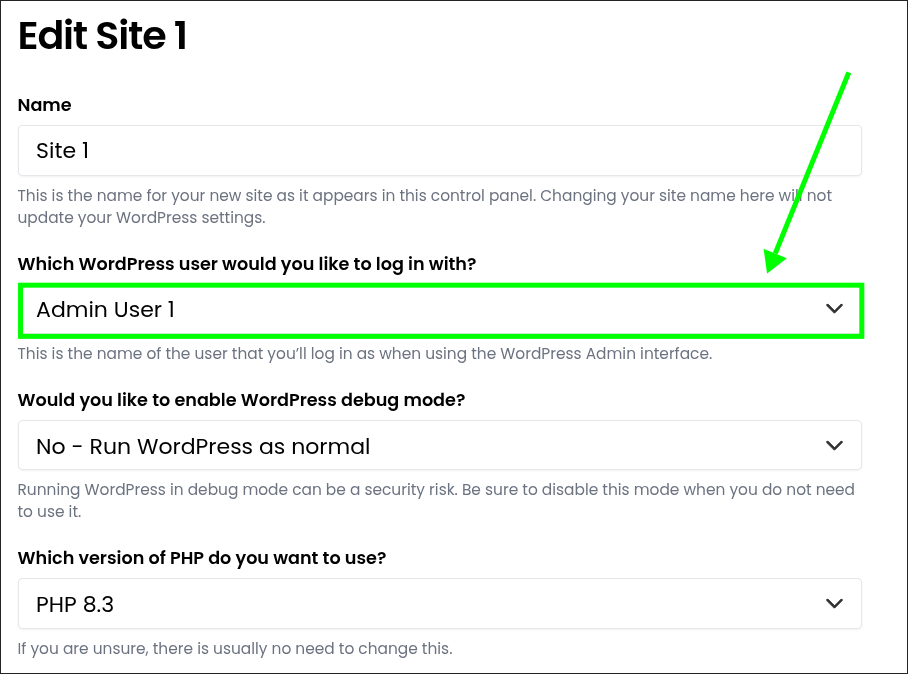
- Select the user you would like to use from the drop-down
- Click "Save"
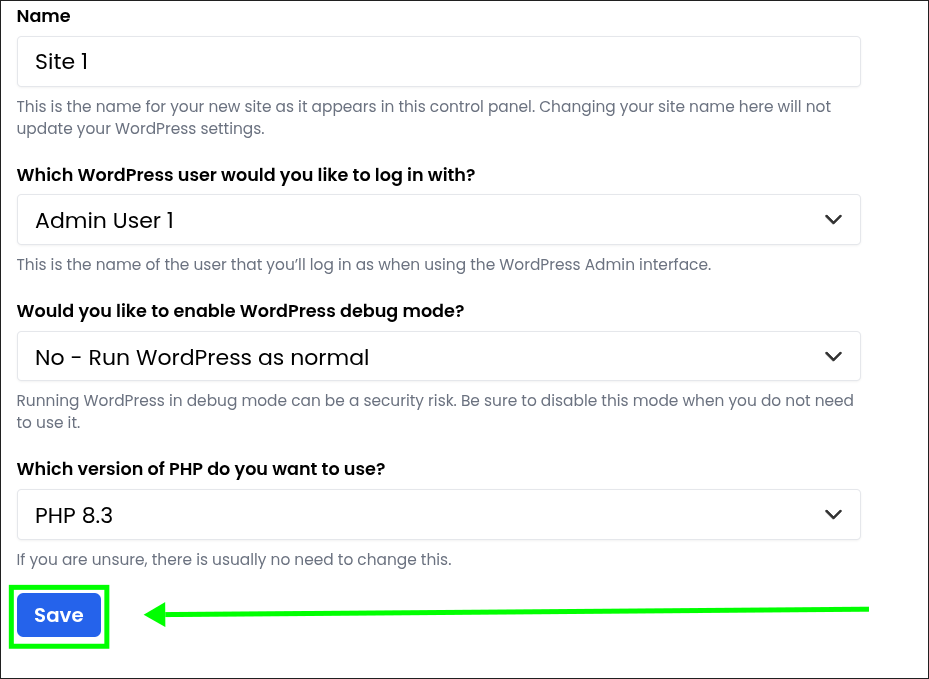
What do I do if SSO isn't working?

- Login to your Managed WordPress Dashboard
- Select the site you'd like to manage
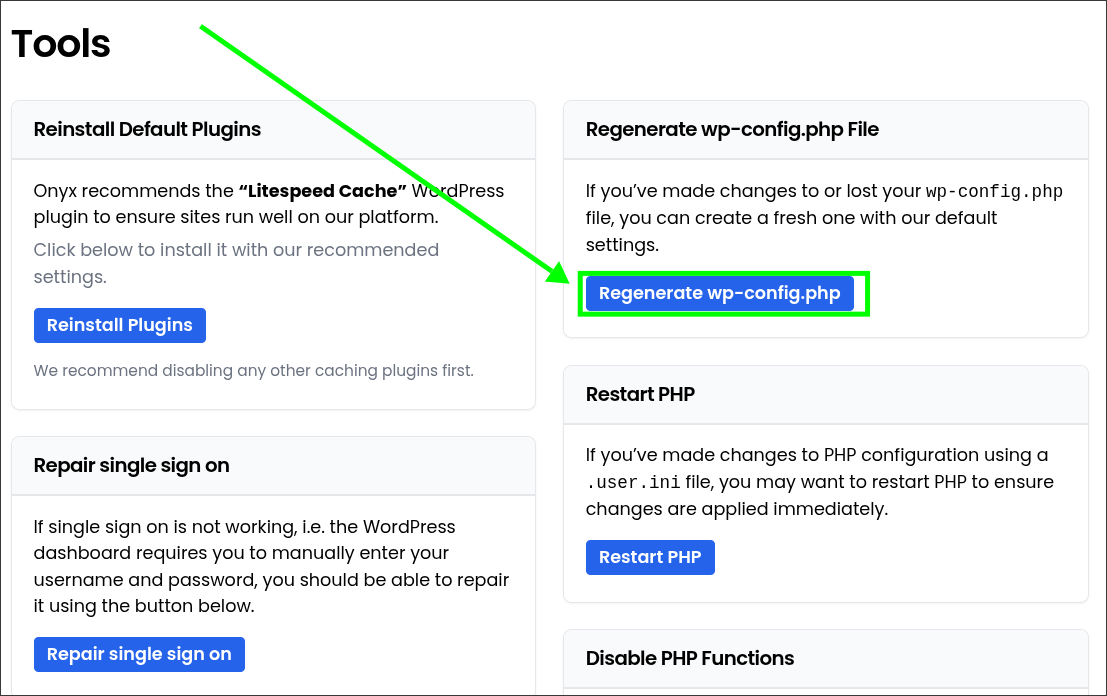
- Click the "Tools" tab
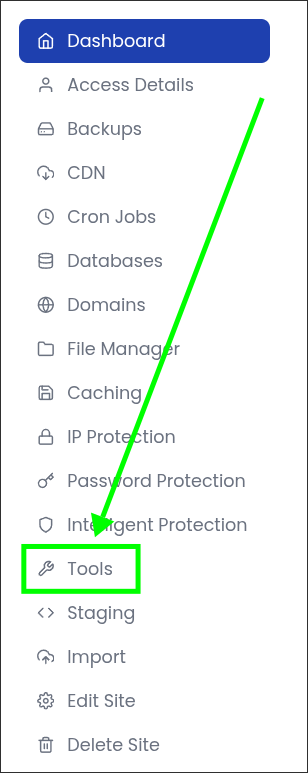
- Click the "Repair single sign on" button
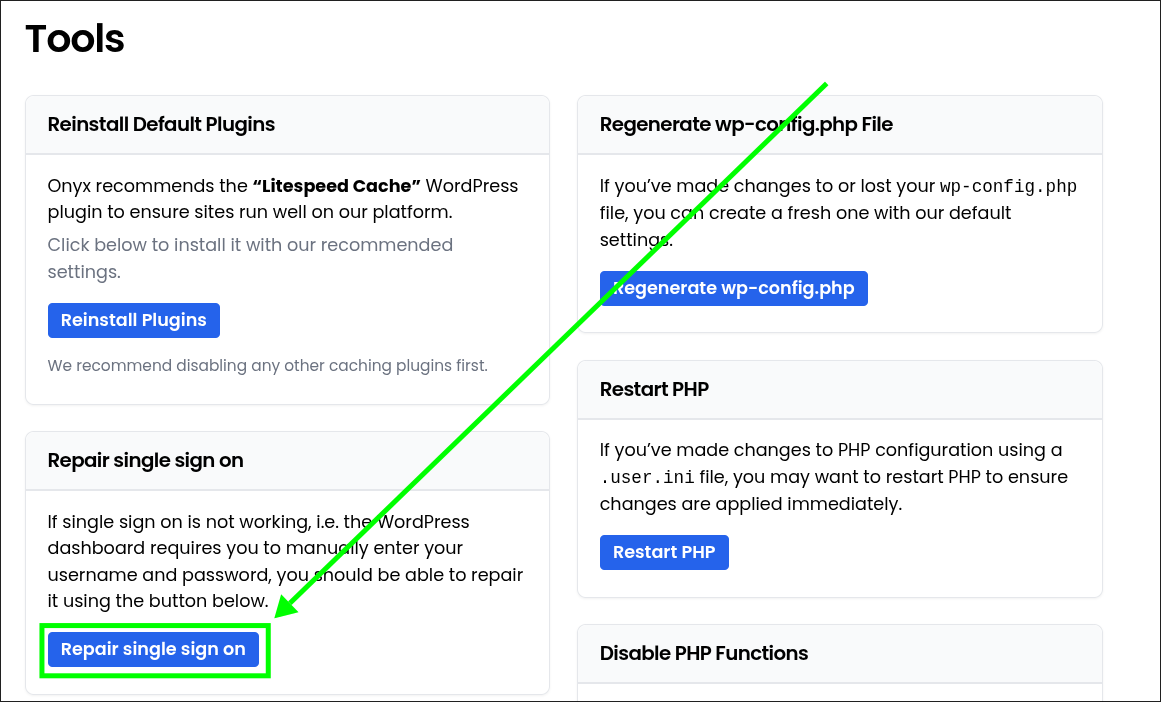
- Click the "Regenerate wp-config.php" button
- Click the "Jump to WordPress Admin" button
How the Managed WordPress SSO script works
- A unique link is generated.
The link contains an expiry time and a unique hash. The hash is generated from the expiry time using a secret key that only the server knows. - The link is validated.
When the link is accessed, the script generates the expected hash and compares it with the one in the link. If they don't match, or the link has expired, access is denied. - The link can only be used once.
Once a valid link has been used, it's recorded so the same link can't be reused. - The user is logged in directly.
Rather than submitting a username and password, the script tells WordPress that the specific user has been authenticated and sets up their session. The end result is the same as a normal WordPress login, but without using the login form. - The user is sent to the dashboard.
Once authentication is complete, the user is redirected directly to the WordPress admin area.
Because the process doesn't rely on the standard WordPress login page, it continues to work even when a security plugin has hidden, renamed, or restricted that page. This is the main reason Onyx Login is useful in situations where standard login tools would otherwise fail.
Why this also improves security beyond convenience
Because SSO handles the login on your behalf, your WordPress admin user can use a long, randomly generated password that nobody needs to know or remember.
Weak or reused passwords are a common cause of WordPress compromises, so removing the need for a human-memorable password removes a significant attack surface entirely. This means the account can still have a strong, unique password without creating an additional burden for the client or support team.
