Managed WordPress - How to change your website name
 Updated 2 months ago
by
Tristan Payne
Updated 2 months ago
by
Tristan Payne
Every site in your Onyx dashboard has a site name, which is a display label shown throughout the dashboard to help you identify the site at a glance.
This is separate from the site's URL, such as site-1.onyx-sites.io, which is the actual address visitors use to access the site. Changing the site name only changes how the site is displayed in your dashboard and has no effect on its live URL.
This is particularly useful when managing multiple sites and wanting more descriptive, memorable labels. For example, you could rename "Site 1" to "Client A - Marketing Site", making it much easier to identify the correct site at a glance without having to compare similar-looking URLs.
How to change the website name
- Login to your Managed WordPress Dashboard
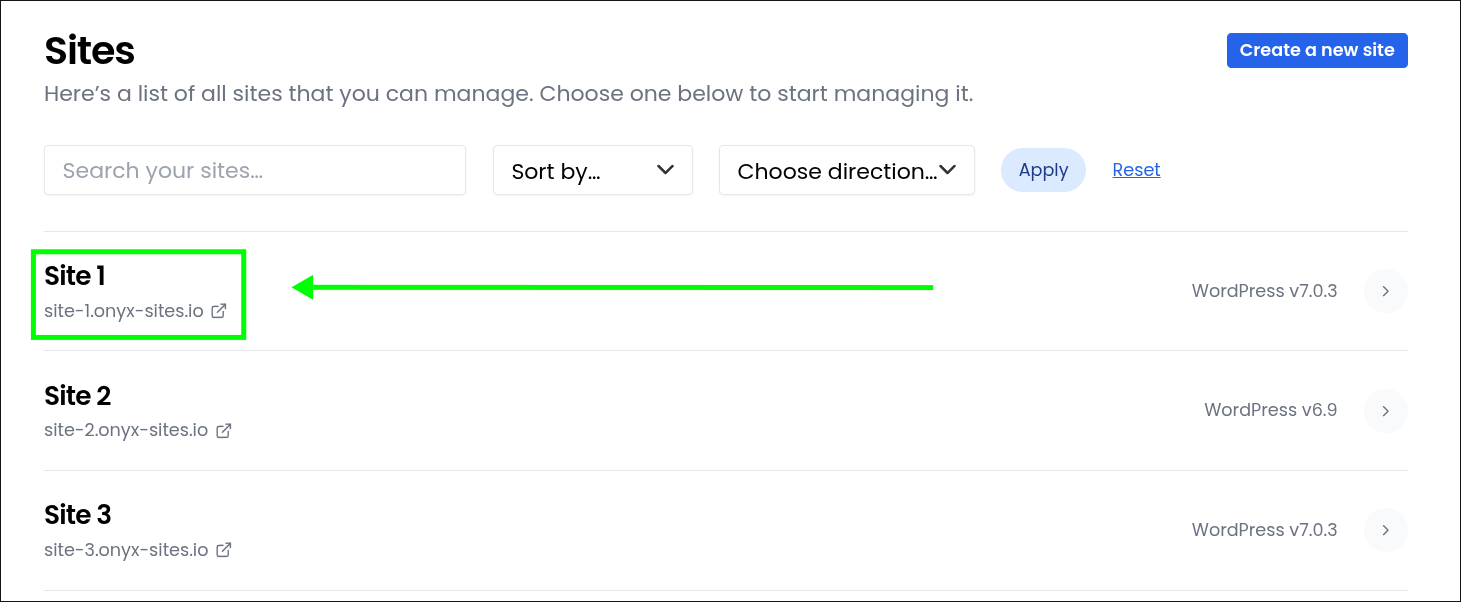
- Select the site you'd like to log in to
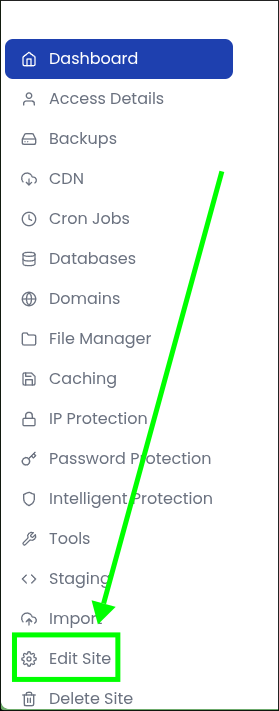
- Click the "Edit Site" tab
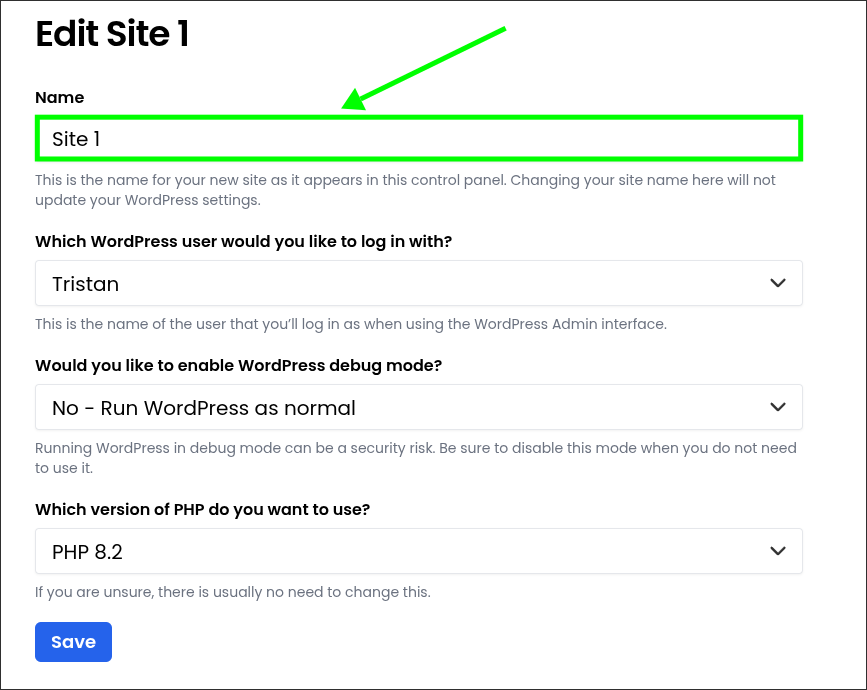
- Enter your new website name in the "Name" section
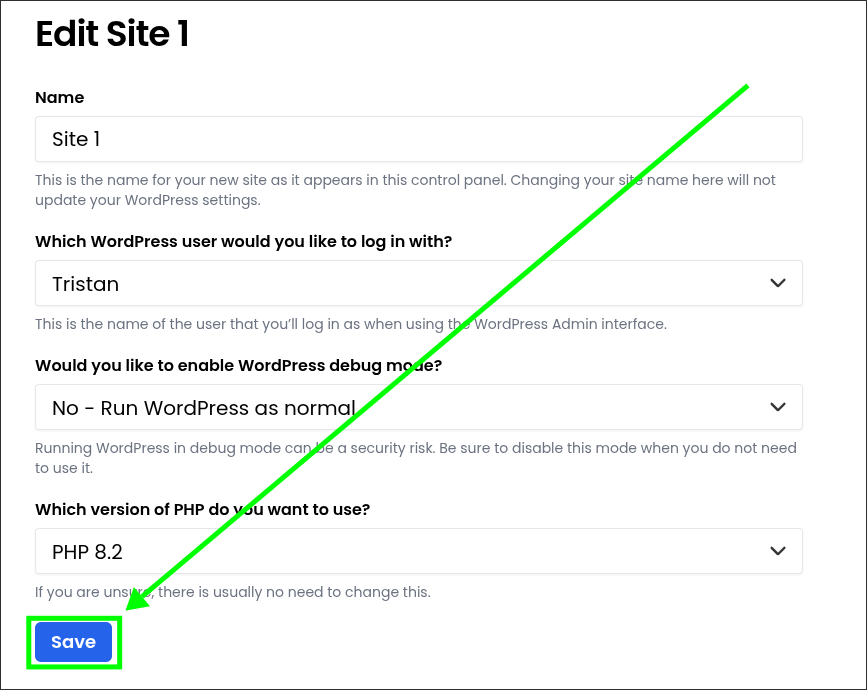
- Click "Save"
- Done!
