How to login to Managed WordPress via your Krystal Client area
 Updated 3 months ago
by
Tristan Payne
Updated 3 months ago
by
Tristan Payne
Login to Managed WordPress via your Krystal Client area
- Start by logging in to your Krystal Client Area - link opens in a new window.
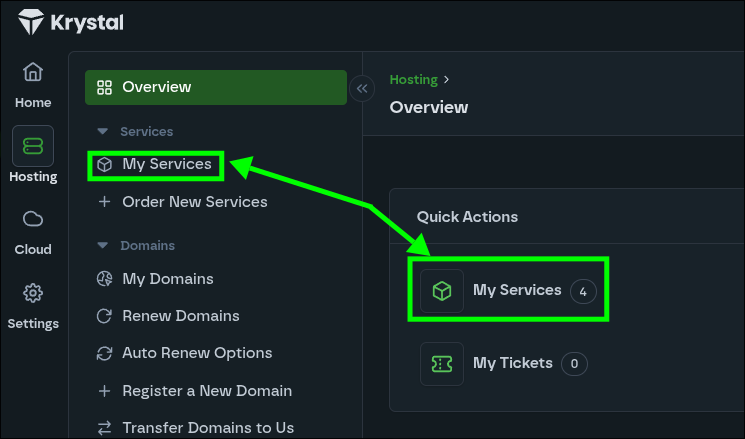
- Then click My Services or select Services > My Services from the menu.
- Click the ... icon to expand the options menu

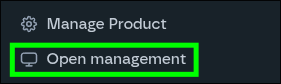
- Then click the Open Management button.
- Done!
